
Adding and deleting Pages in the online editorUpdated 6 months ago
Adding pages
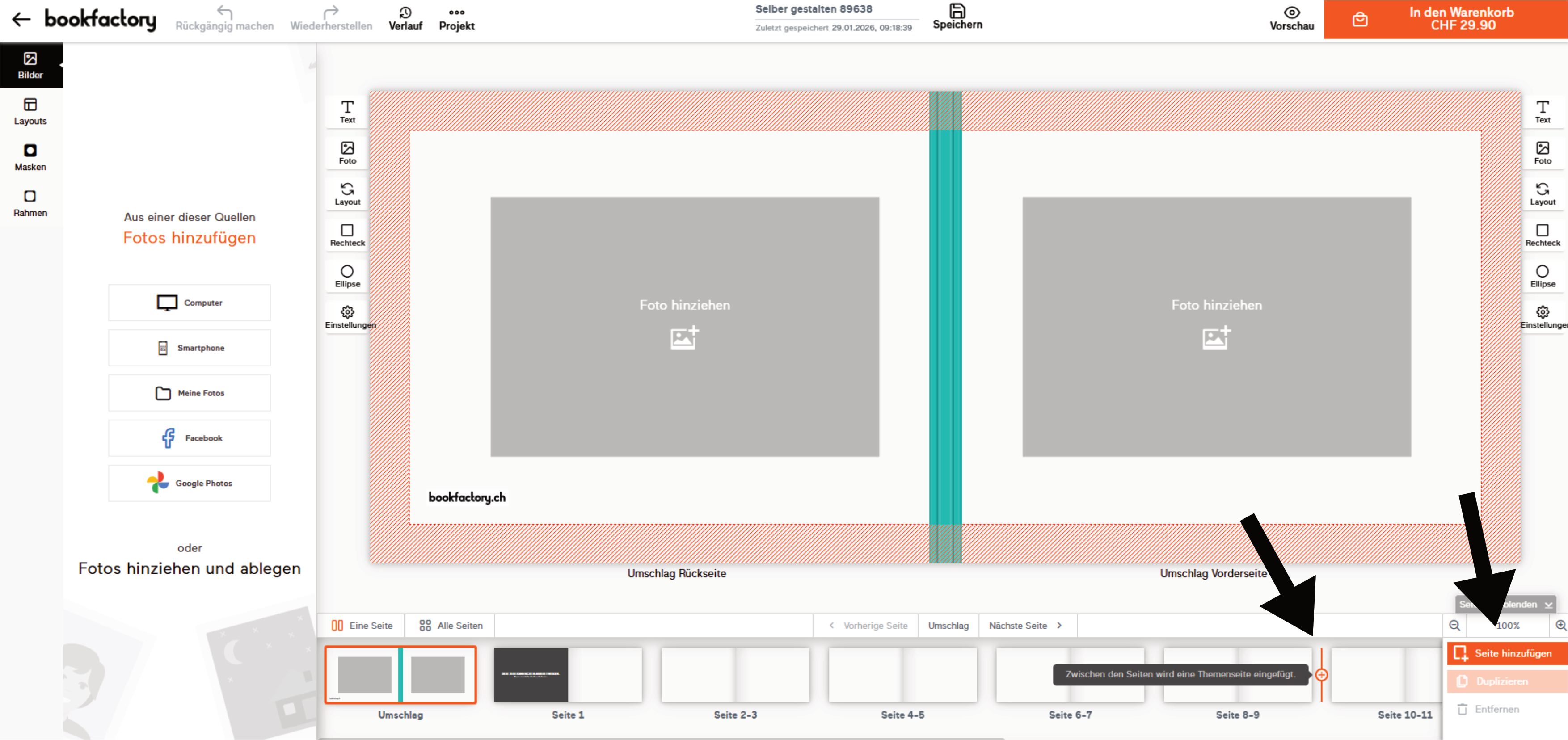
In the online editor, you can add pages by placing the mouse between two double pages in the preview at the bottom or by clicking on ‘Add page’ at the bottom right.
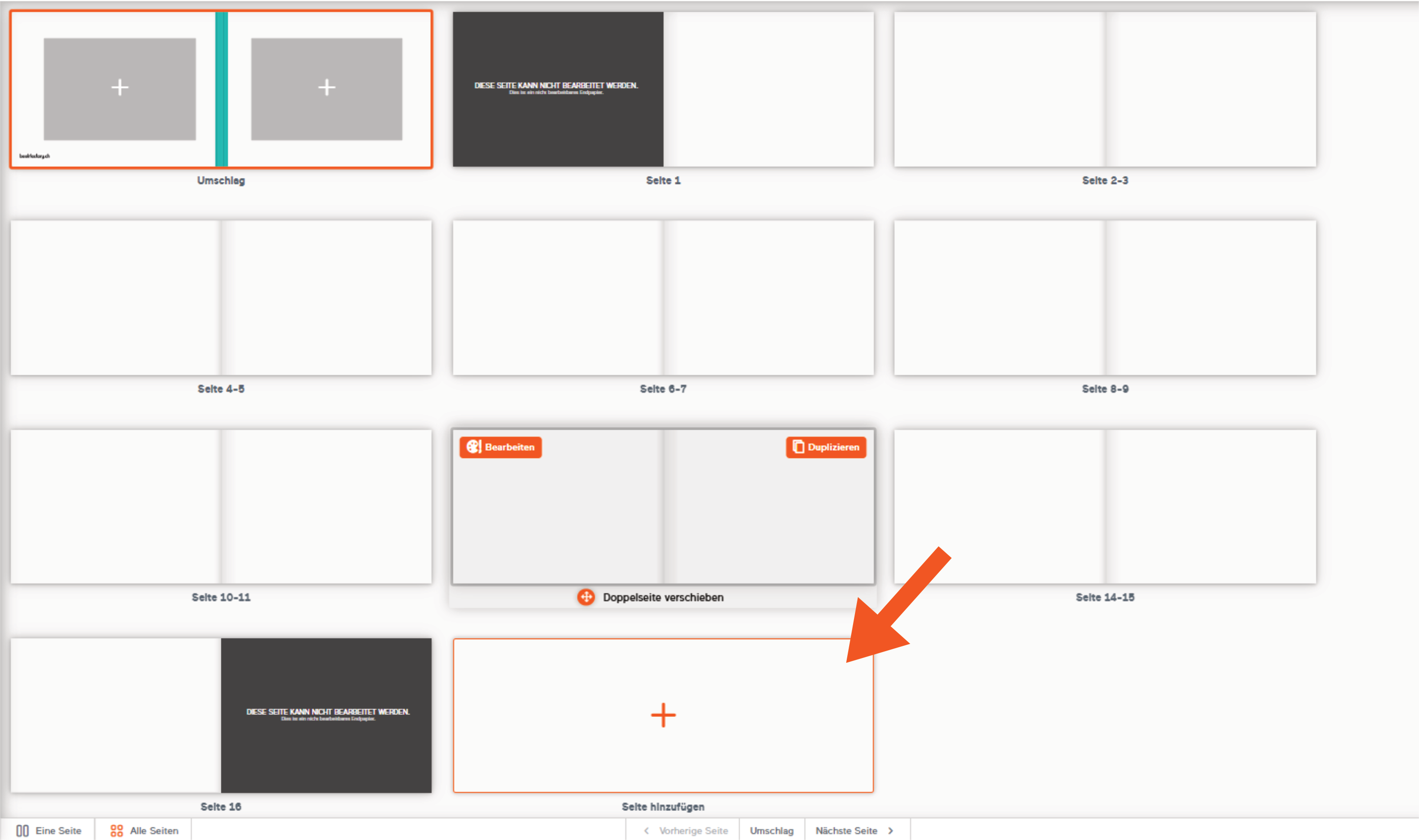
You can also add a page in the page overview:
Deleting pages
You can also delete pages in the page view by selecting a page and clicking ‘Remove’ or by pressing the “Delete” key on your keyboard.
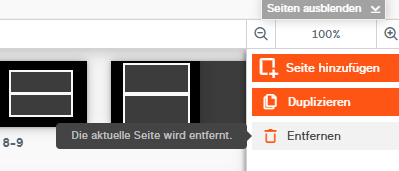
If the ‘Remove’ button is greyed out (see first image), you have already reached the minimum number of pages and cannot delete any more pages.