
Basic function: adding shapesUpdated 4 months ago
In the detailed view, you can add rectangles and ellipses to pages by clicking on the relevant shape in the sidebar next to the page.
Example: rectangle
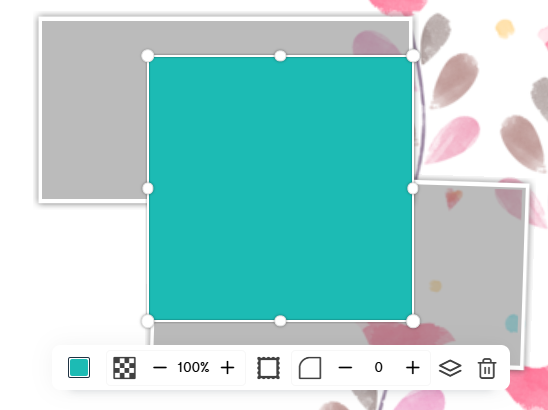
En cliquant sur le rectangle, tu actives le ruban d'édition. Tu peux effectuer les actions suivantes:
- Change the colour
- You can choose any colour using the colour picker, the eyedropper, or a hexadecimal or RGB code
- Change the opacity / transparency
- Add a border
- Clicking on the border expands the existing ribbon.
- You can remove the border from the rectangle by entering 0 here
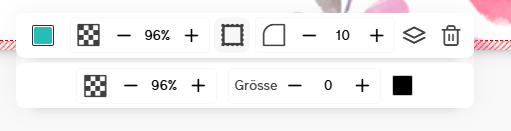
- Round the corners
- Edit layers
- Delete