Can I personalize a custom photo calendar each month with different photos?Updated 8 months ago
Yes, you can customise each month of your photo calendar with different photos, individual text and different colours.
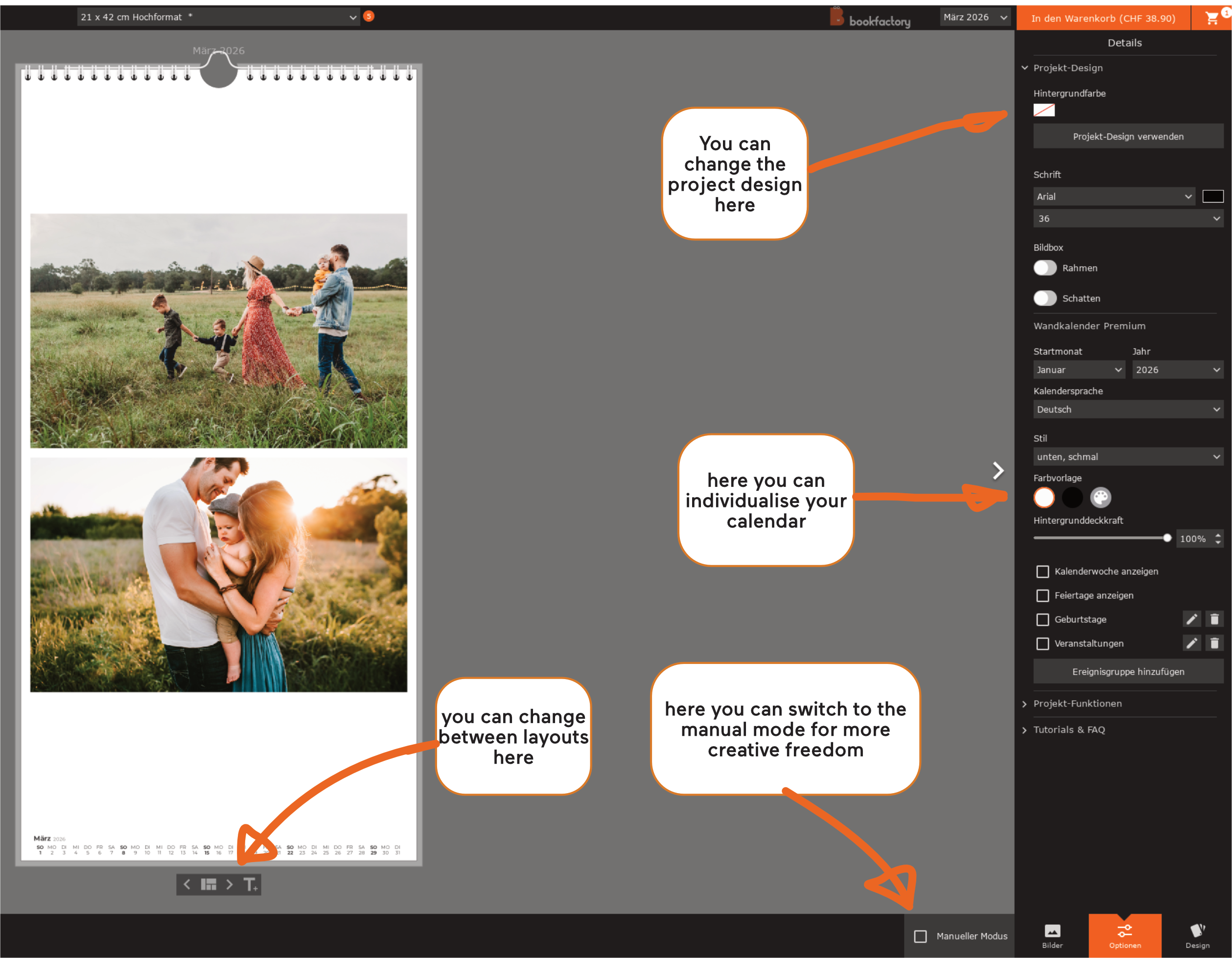
In the Bookfactory photo book software:
In the smart layout, you can simply drag the desired number of images into the white work area and a layout will be selected automatically. You can change the layout if you don't like the one you've chosen.
In manual mode, you can also place the photo frames where you want them first and then insert the photos later.
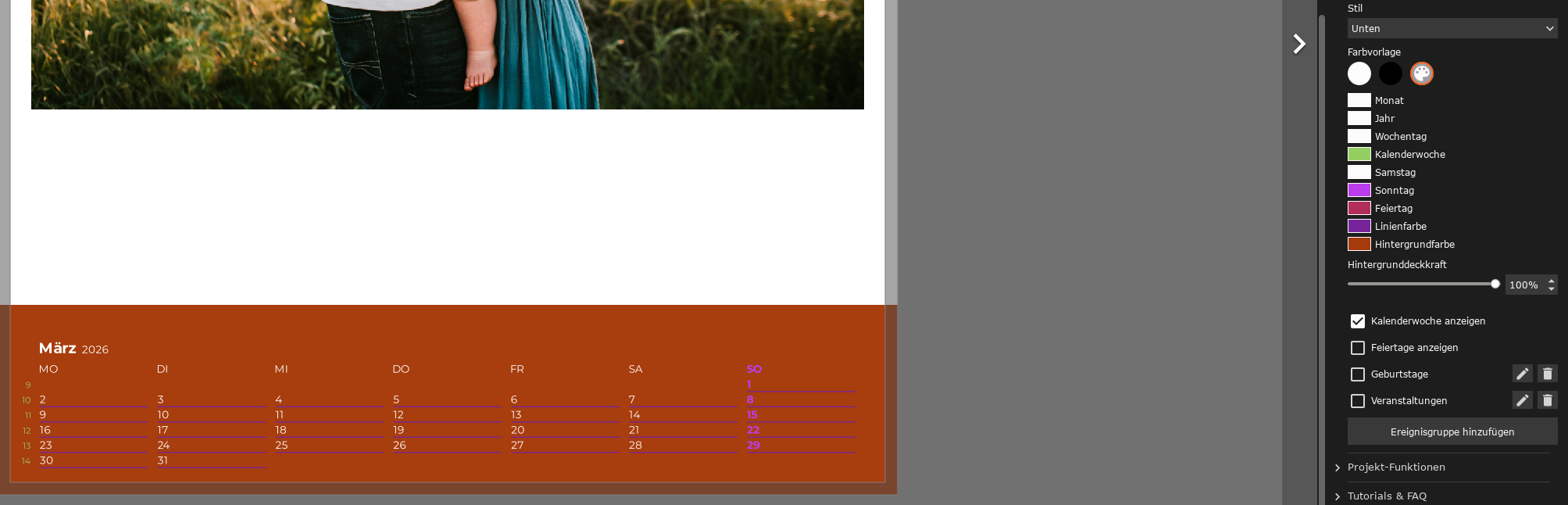
By clicking on the palette icon, you can further customise the calendar:
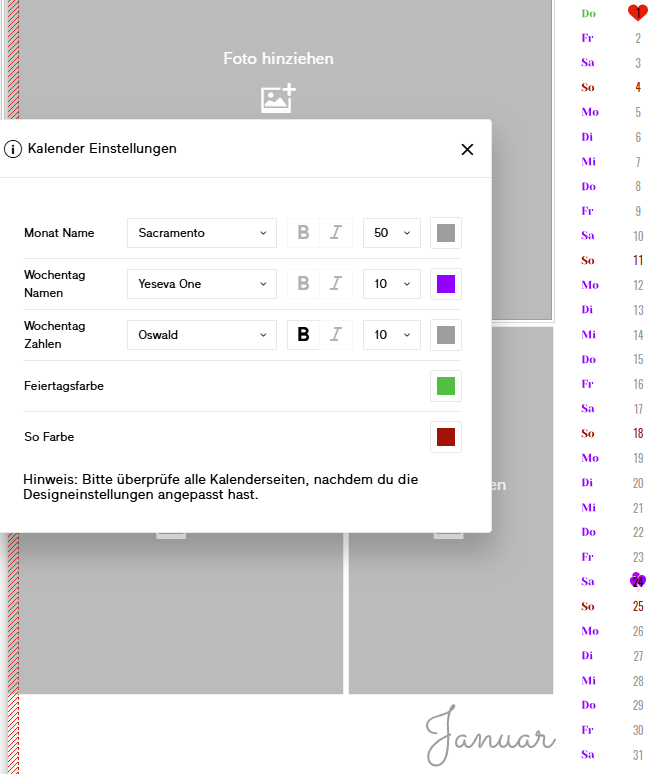
In the online editor:
Online, you can decide right from the start what style you want to give your template.
You can then customise the fonts and colours of the text. For example, you can create a background colour by placing coloured rectangles in the background.
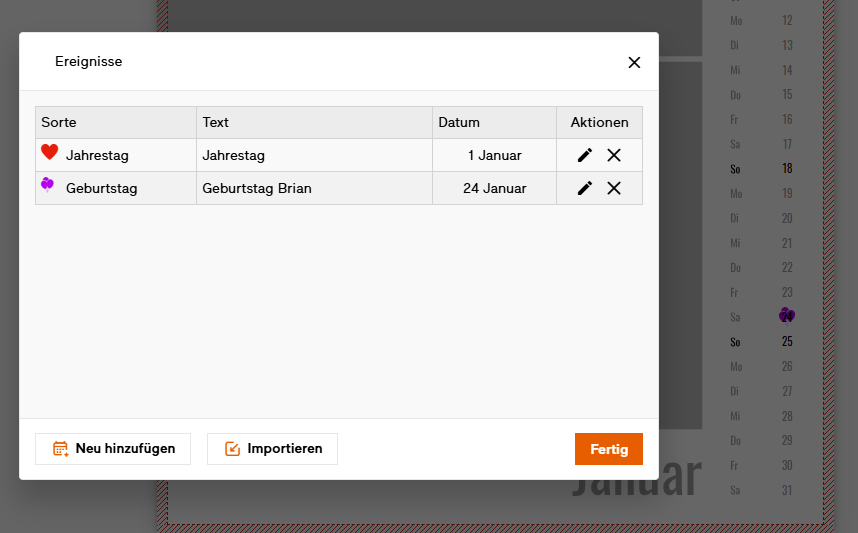
You can also mark specific data, both in the editor and in the software: