
Detail Feature: Project DesignUpdated 2 months ago
With Bookfactory Project Design, you can set up your entire project in just a few steps! Here, we’ll show you how to set up your project design, customize individual boxes, and undo your changes.
1. Set Up Project Design
If you haven’t selected any page in the overview, you’ll be working with the project design
You can set background colors, font, font color, and font size, as well as image frame width and color.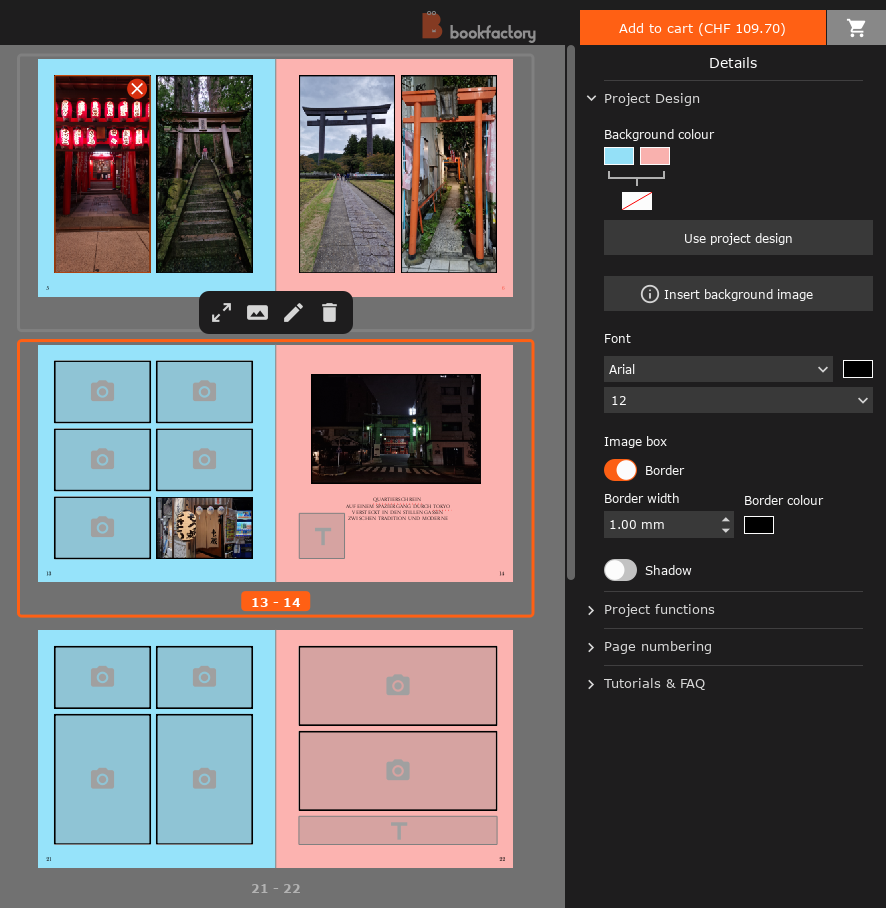
2. Custom Settings
You can change the background color individually in the overview for selected pages, and customize frames and text individually in the detail view.
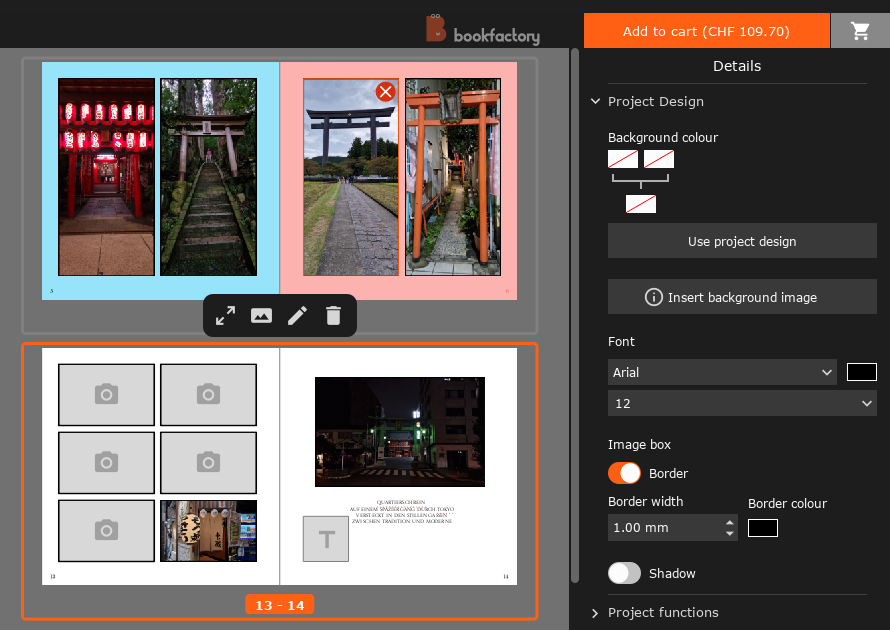
3. Undo Changes
Would you rather set everything using the project design? Then simply select the desired boxes and click “Use Project Design”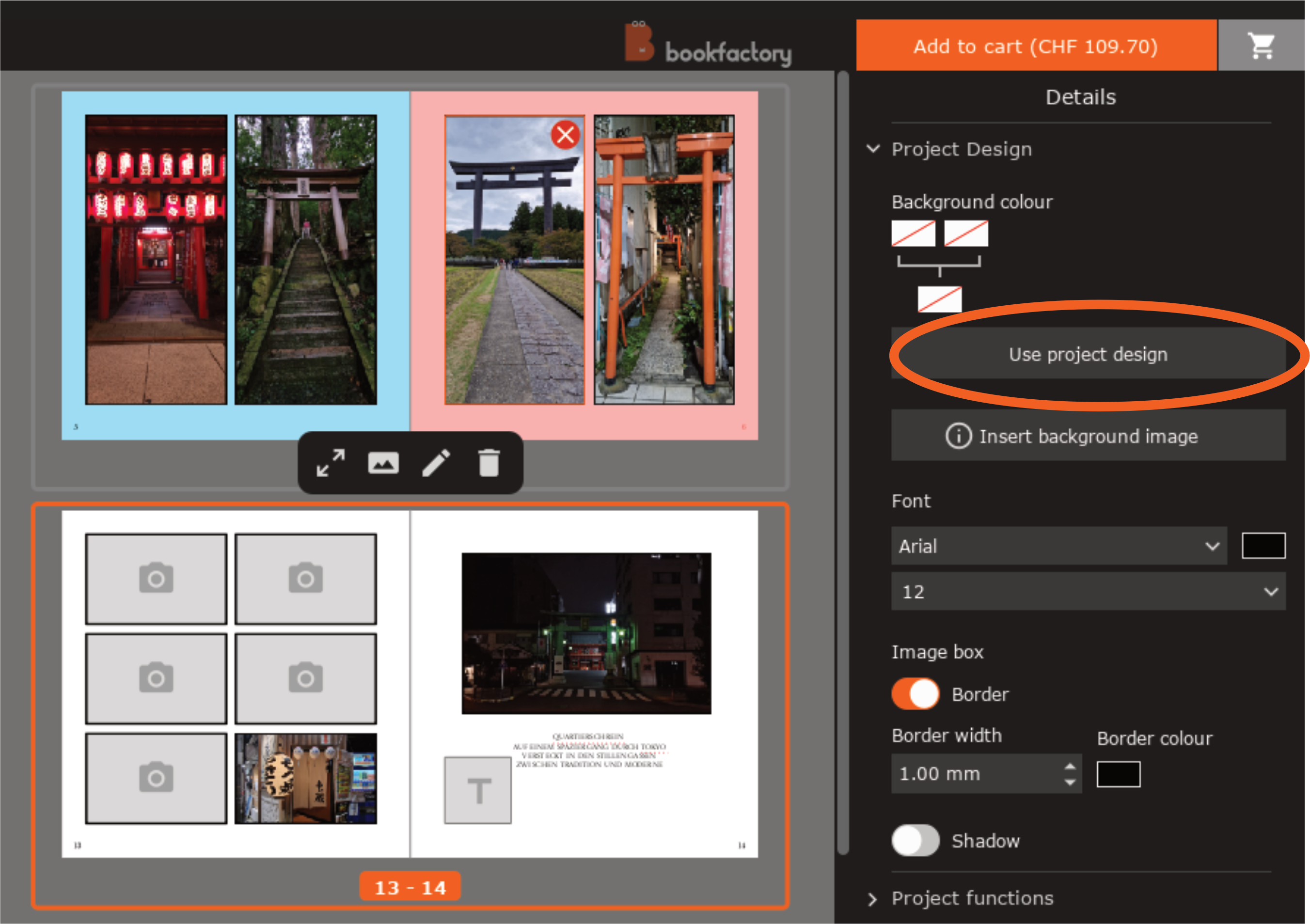
Pro Tip: If you hover over your boxes while holding down the right mouse button, you can select multiple boxes, and you can select all of them with CTRL+A or CMD+A.