Detail functions: Place images automaticallyUpdated 2 months ago
With the function "Place images automatically" you have the possibility to place your images automatically in the layout you have previously created. We will show you 2 options below:
Option 1
Create the layout of your choice and simply fill the image boxes automatically with your image selection.
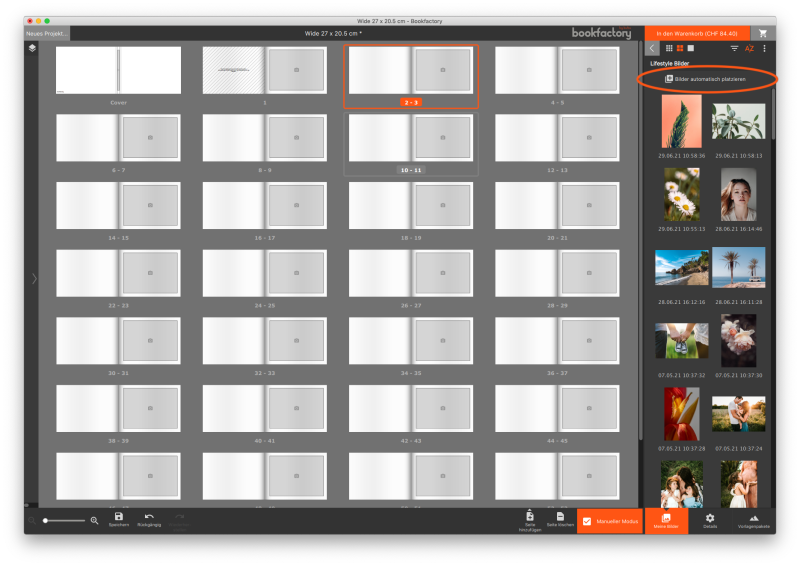
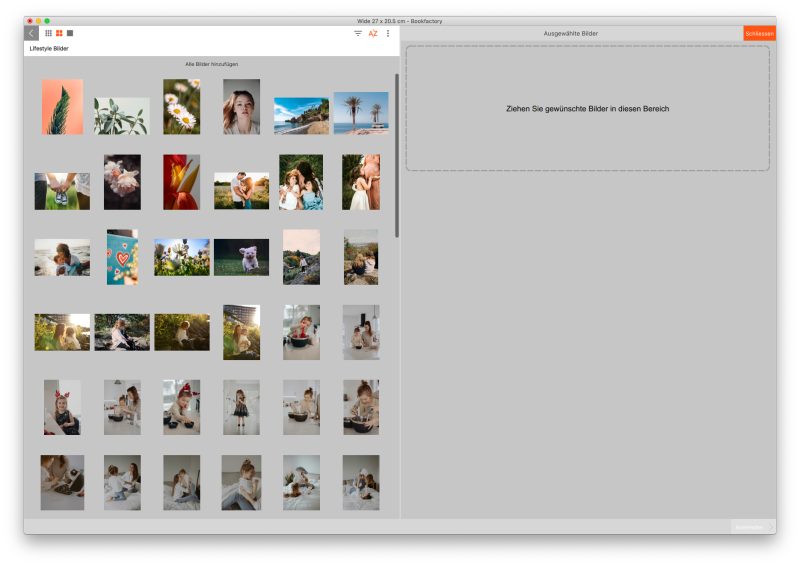
In this step you choose the pictures you want and the rest is done by the Bookfactory software. Easy!
Option 2
If you do not want to reposition/overwrite all images, you can hold down CTRL/CMD, select multiple images and drag them with the mouse manually into the boxes. This will fill only empty image boxes with your selection.