
General: Create an e-book from your photo bookUpdated 2 months ago
You can have an eBook created from your Bookfactory photo book at almost any time:
- In the project settings when setting up the project
- In the project settings while working on the project
- Online in the shopping cart
- Upon request through customer service
Scroll down for visual guidance on each step, and click here for more information about the eBook.
Here's how to get your eBook
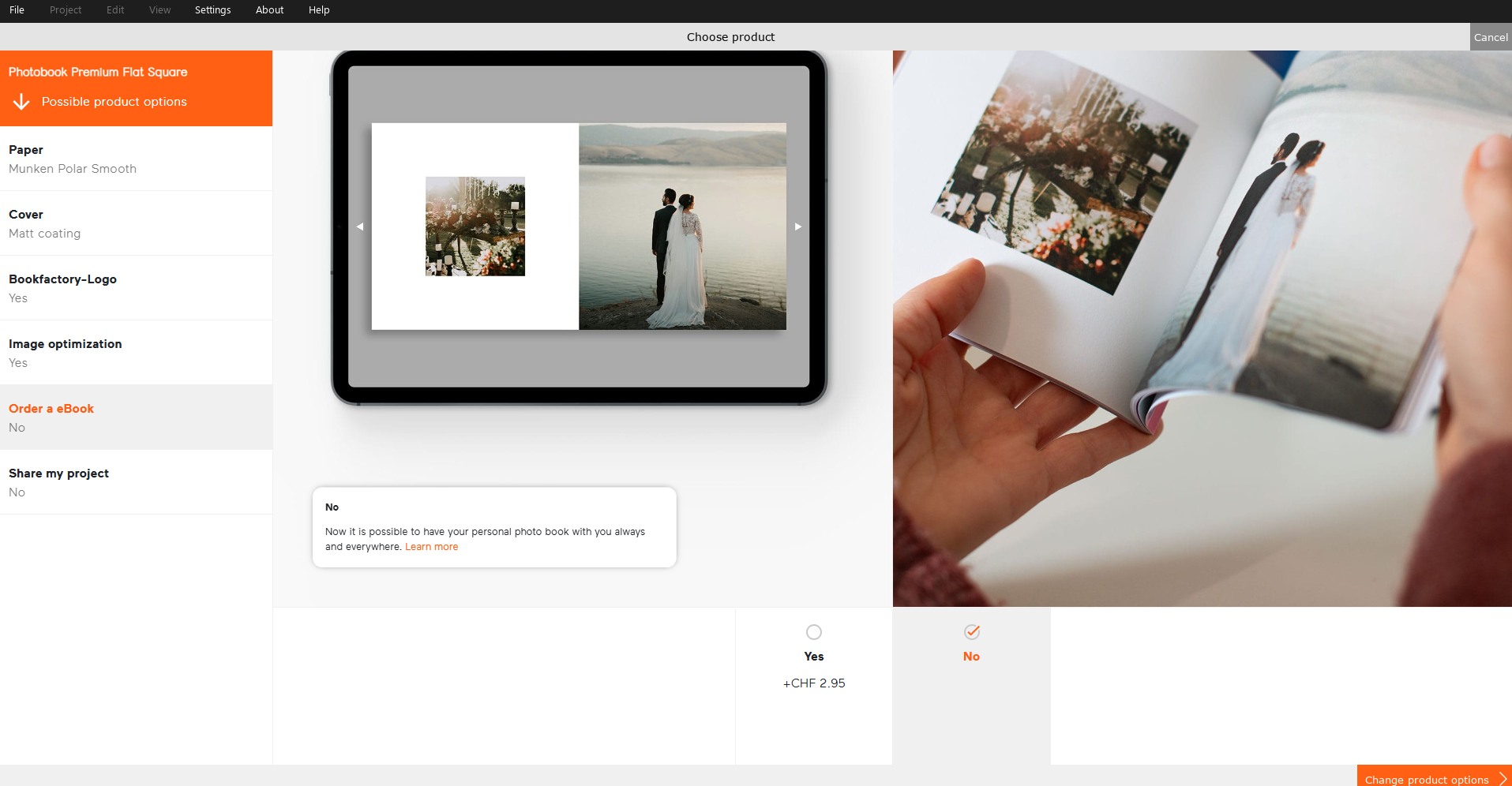
When setting up your project, you can order the eBook at the same time:
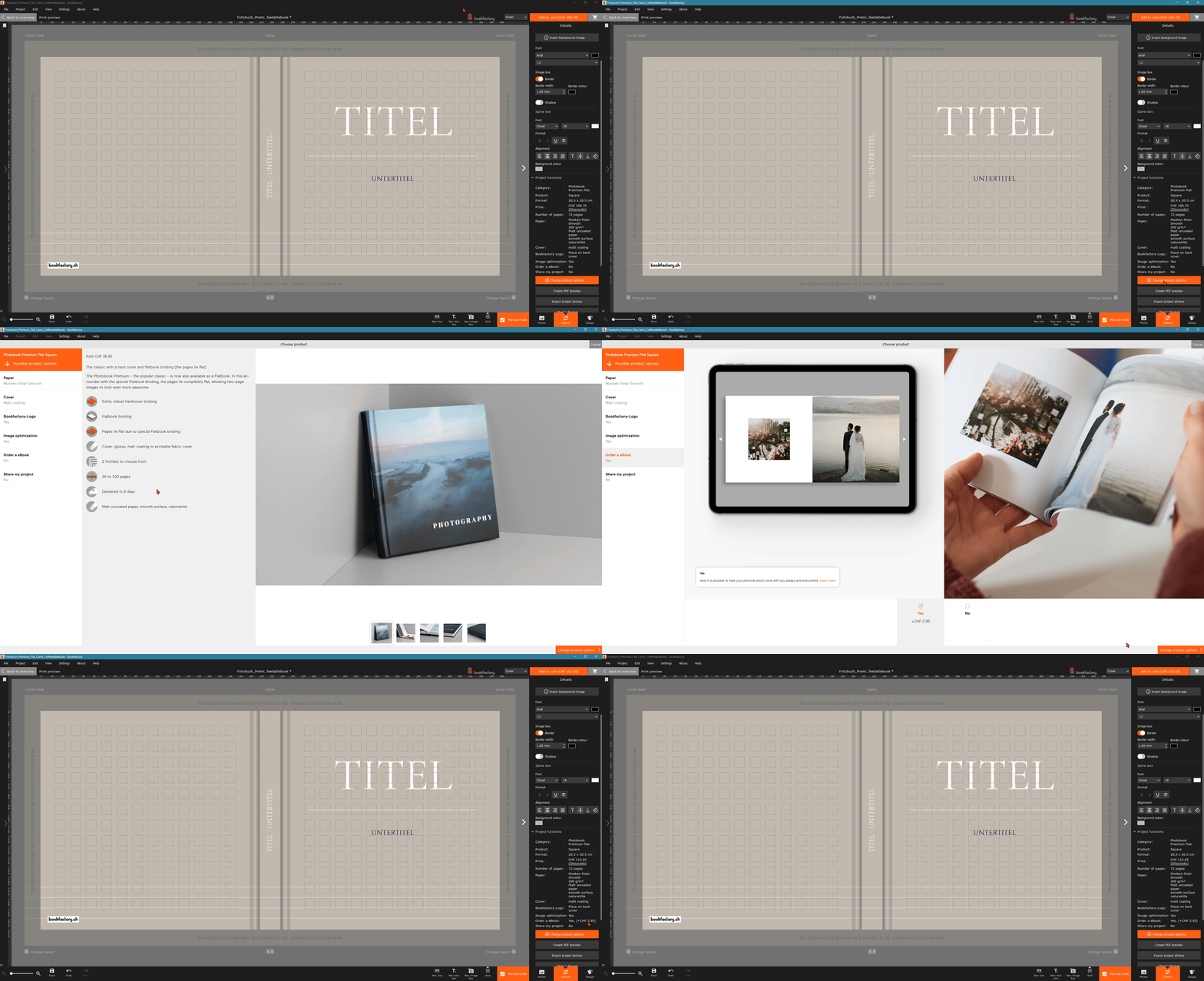
You can change this setting up until checkout by clicking “Change product options” in the sidebar:
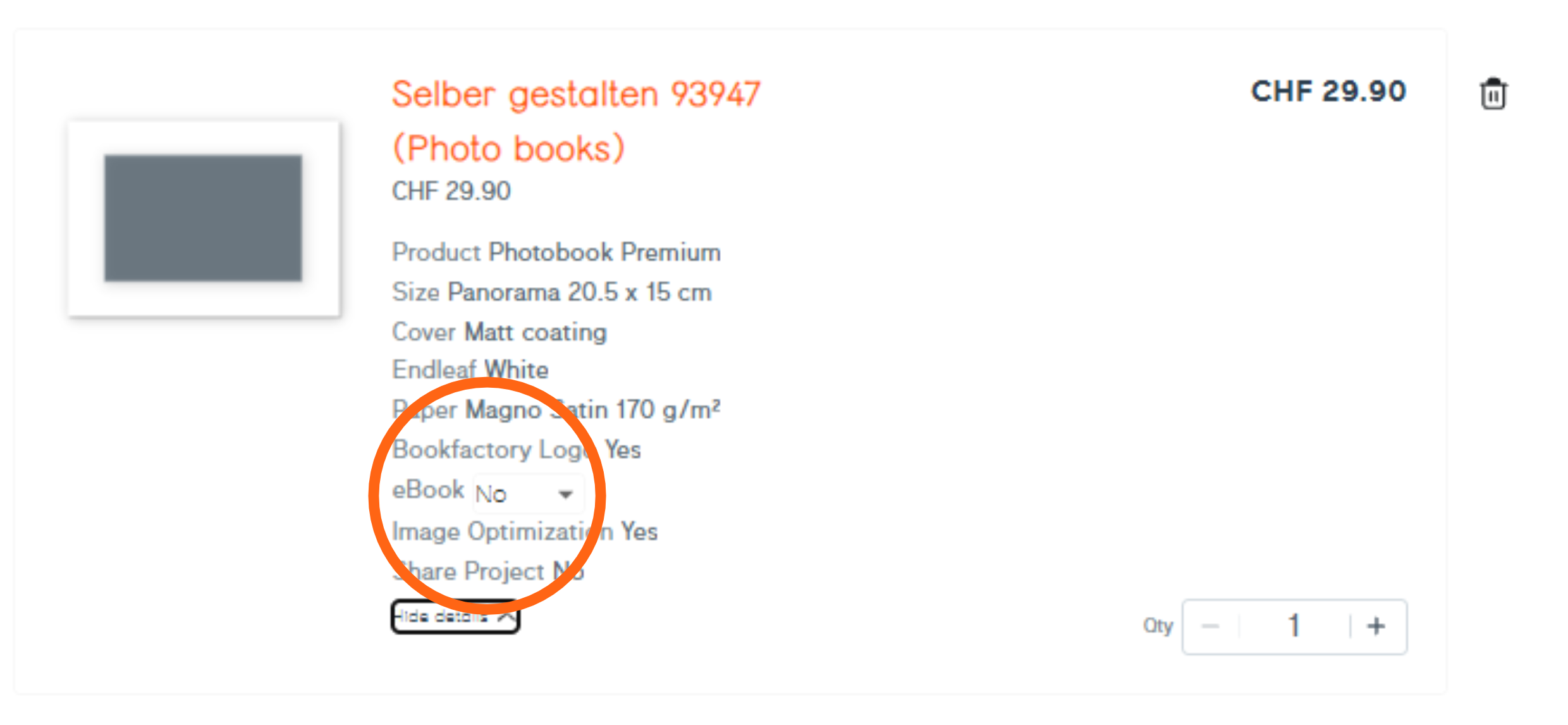
If you're in the shopping cart, click “Show details”. Here you can select your eBook again:
Did you forget the eBook? No problem! Up to 30 days after ordering, customer service can still create the eBook for you.
Our eBooks are in .epub format