General: Transferring several products in one orderUpdated 2 months ago
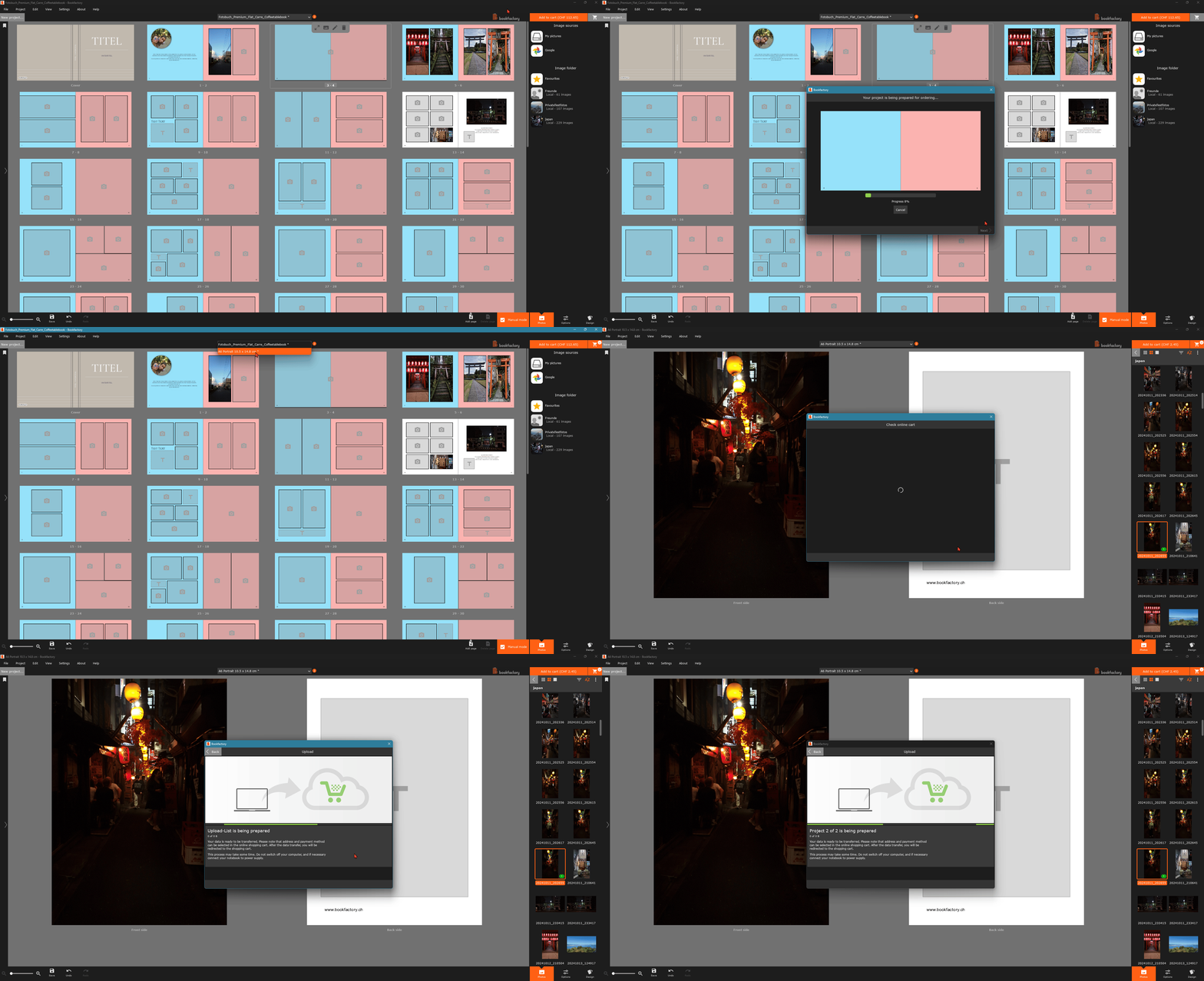
With the Bookfactory design software you can also transfer several products in one order. To do this
Tip: if you want to add more items to your basket, close the Bookfactory basket tab first. Once the window is closed, the additional items will be added to your existing basket.
- Finish designing your products
- Load them into the upload list with the "Add to shopping cart" button
- Start the data transfer
- Complete your order in your user profile
After uploading your products to your online cart, the upload list will automatically be emptied.