How can I quickly create a photo book straight from my mobile?Updated 2 months ago
To get your photo book as quickly as possible, simply follow these steps:
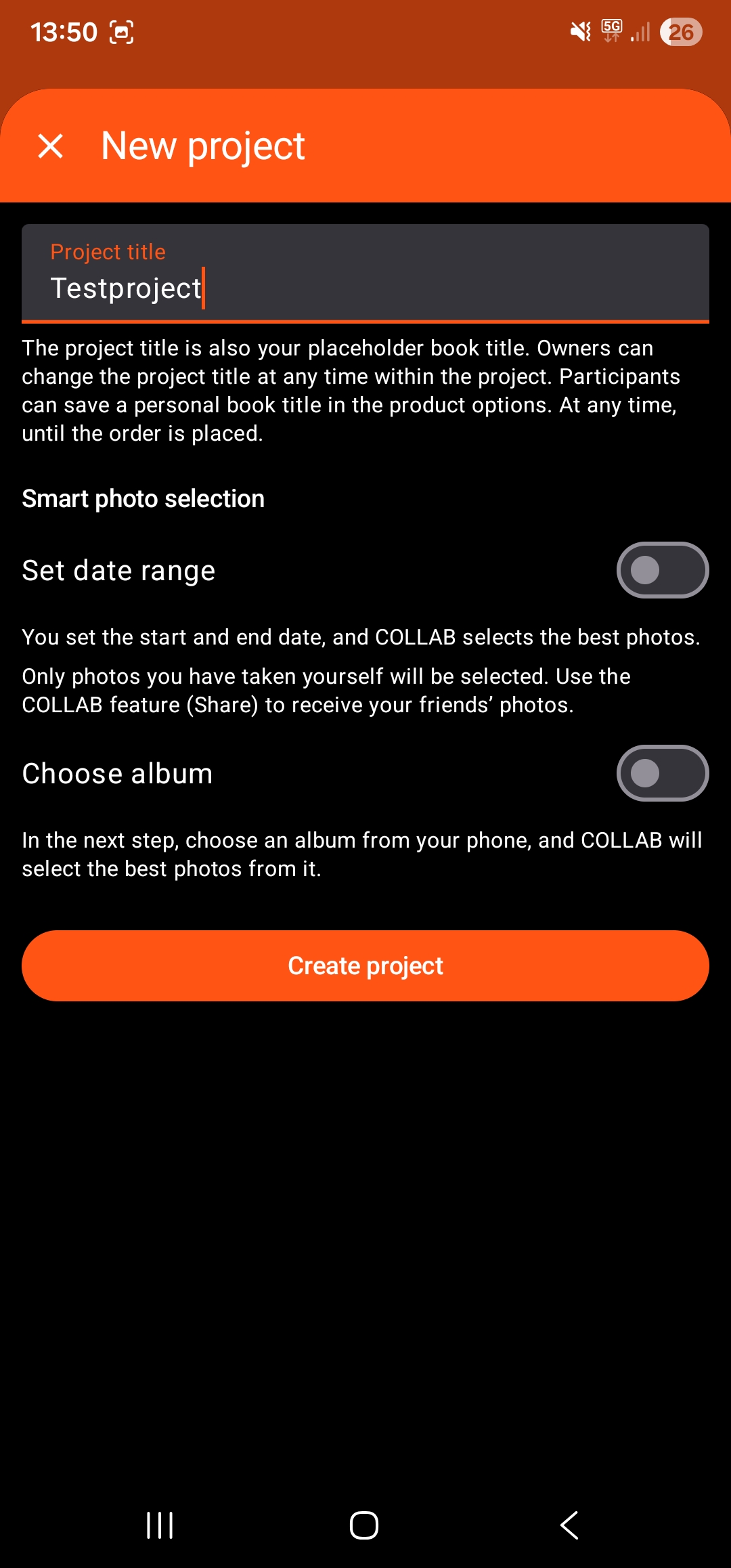
1. Create your project
- You can change the book title later
- Choose here whether you want to select photos from existing albums or sort by date
2. Upload your photos
- COLLAB creates a selection for you; you can go through it here and confirm the selection or add/deselect more photos
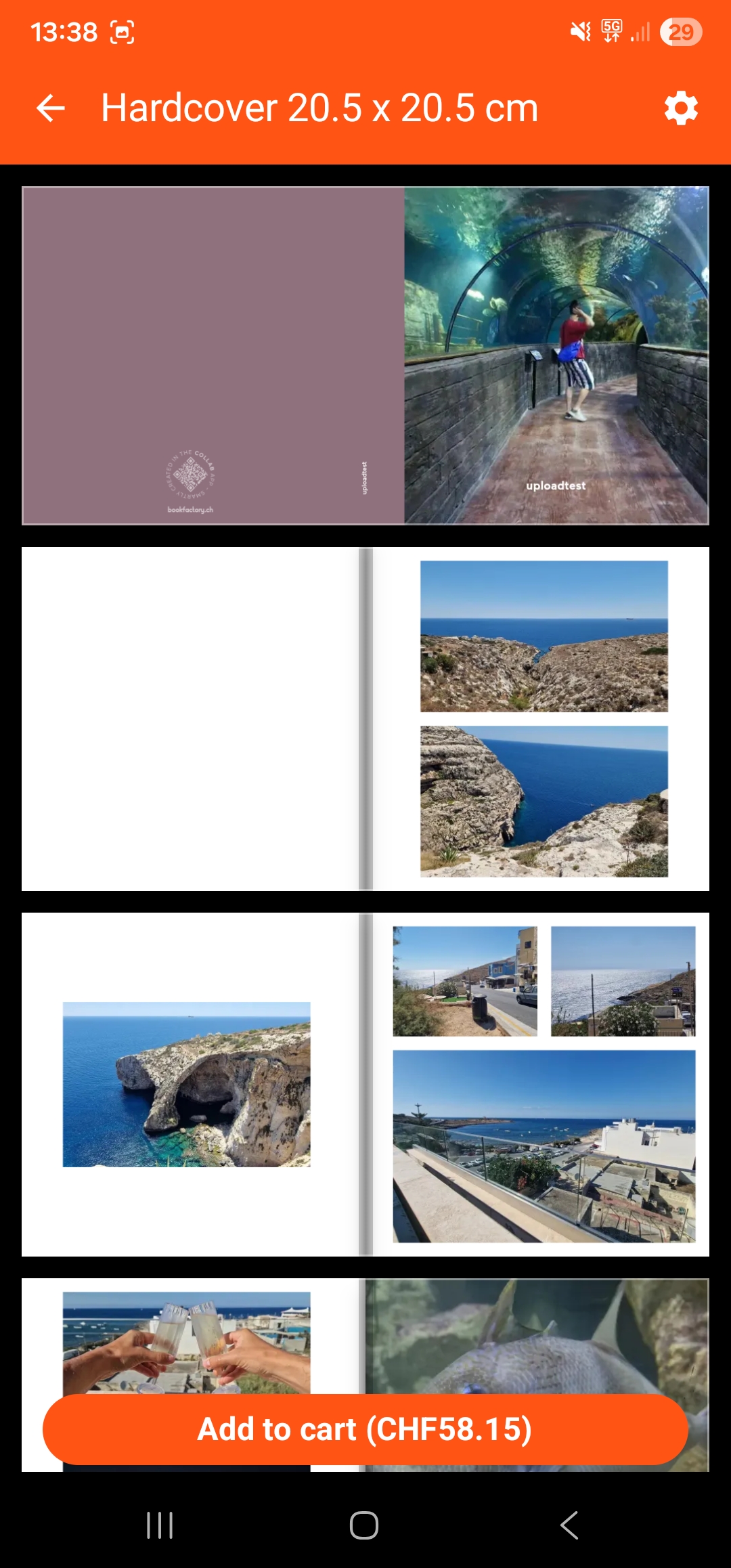
3. Create your book
- You can mark your favourite photos as favourites in the gallery – these will be printed larger – or simply move straight on to the next step from the gallery
- Choose your cover colour and title by clicking on the settings icon
- By pressing "Add to cart" you're redirected to the Bookfactory shopping basket, where you can complete your order