
How do I edit my Online Editor projects?Updated 4 months ago
TL;DR: in the Bookfactory customer area, you can manage your online publishing projects
Would you like to edit your current projects but aren’t sure how?
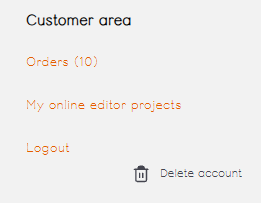
In your Bookfactory account, you’ll find your ‘online editor projects’ on the left-hand side, under ‘Customer Area’.
.
Clicking on this will take you to your project list. For each entry, you’ll see a summary of your project settings, the creation date or date of last modification, the order status and the date on which the project will be automatically deleted.
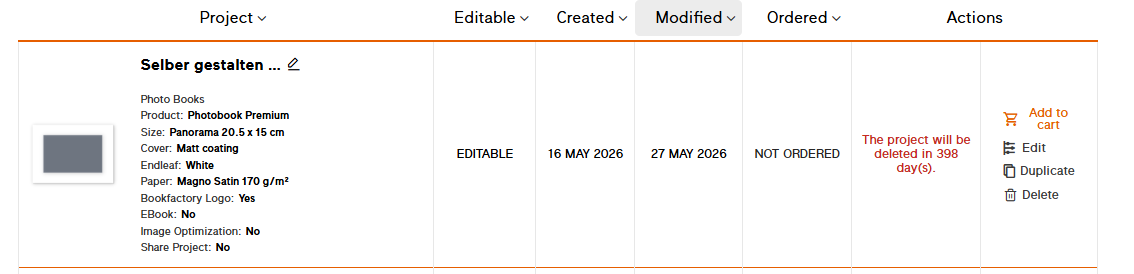
- Edit: takes you to the page preview of your project so you can continue working.
- Duplicate: Creates an exact copy of the project, including photos, but also with the same automatic deletion date. To extend the deadline, you can open the project and save it without making any changes.
- Delete: Permanently deletes the project – Please note, even Bookfactory experts will not be able to recover anything!