Online Editor basics: Project settingsUpdated 4 months ago
To ensure you don’t have to stop your project in the middle of the design process, you can change the following settings directly within the project:
- Size
- Cover
- Colour Endpaper
- Paper type
- Logo
- eBook
- Image optimisation
- Share project
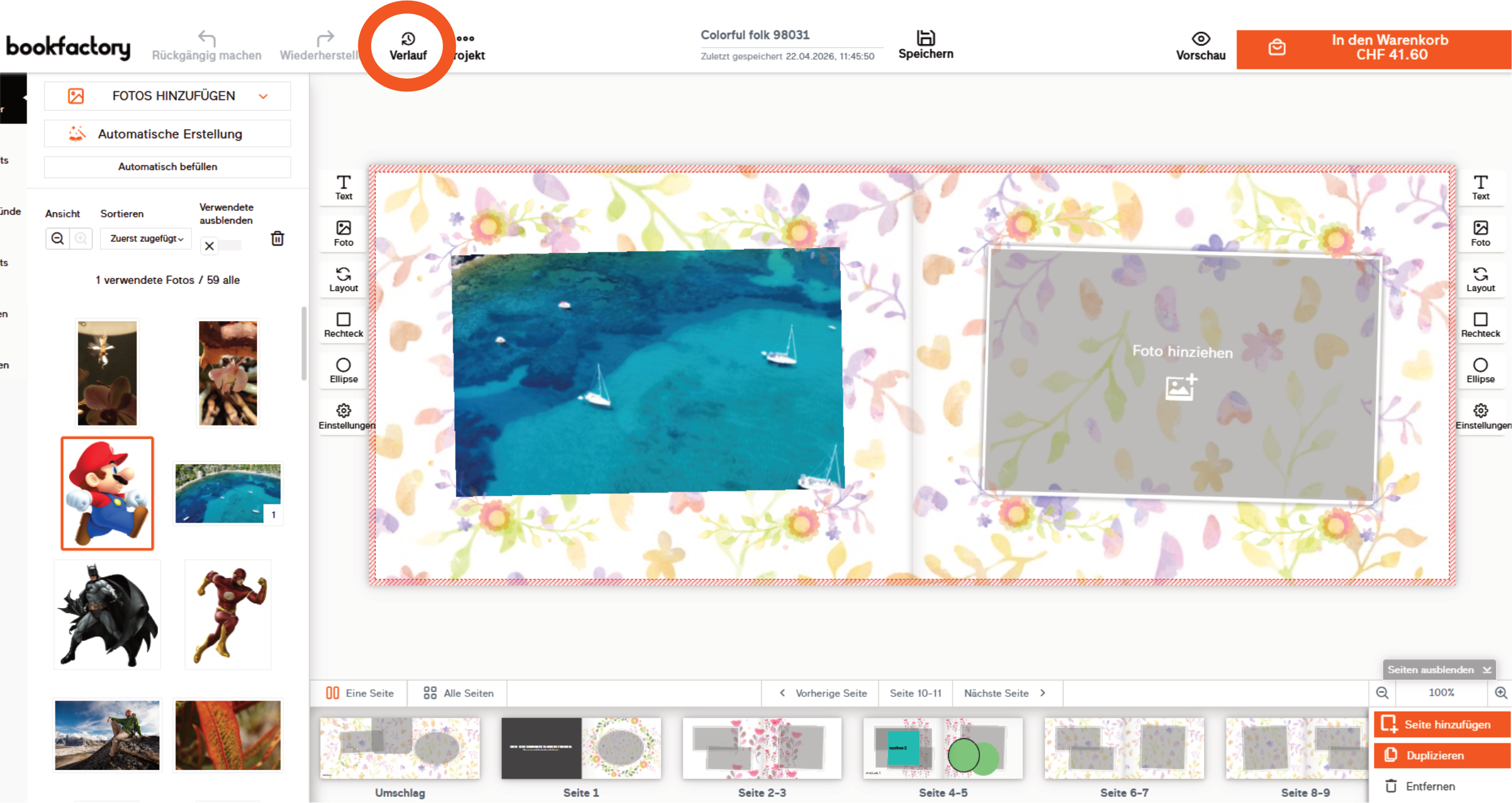
Certain project settings, such as size, affect the layouts. If you want to undo these changes, you can select an earlier version from your project history.