
Online Editor basics: TextUpdated 4 months ago
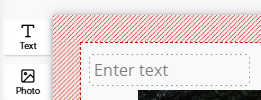
Clicking on ‘Text’ inserts a text box into your project.

The online editor remembers the text styles used in the project. This means that:
- You can see the fonts used so farin the ribbon and can therefore easily change them
When adding a new text box, the last font style used is applied
In the second row of the menu, you can
- change the font
- change the font size
- change the font colour
- underline the text
- change the text alignment
- change the layer on which the text is located
- delete the text box
- apply the style to all text boxes in the project