Problem: Problems with accessing Apple PhotosUpdated 2 months ago
Most of the time, the problem with the Apple Photos integration is due to the permission setting for the software. On the Apple device, proceed as follows:
Launch the Photos app on your device.
- Make sure you are connected to iCloud and your photos and self-created albums appear in the Photos app
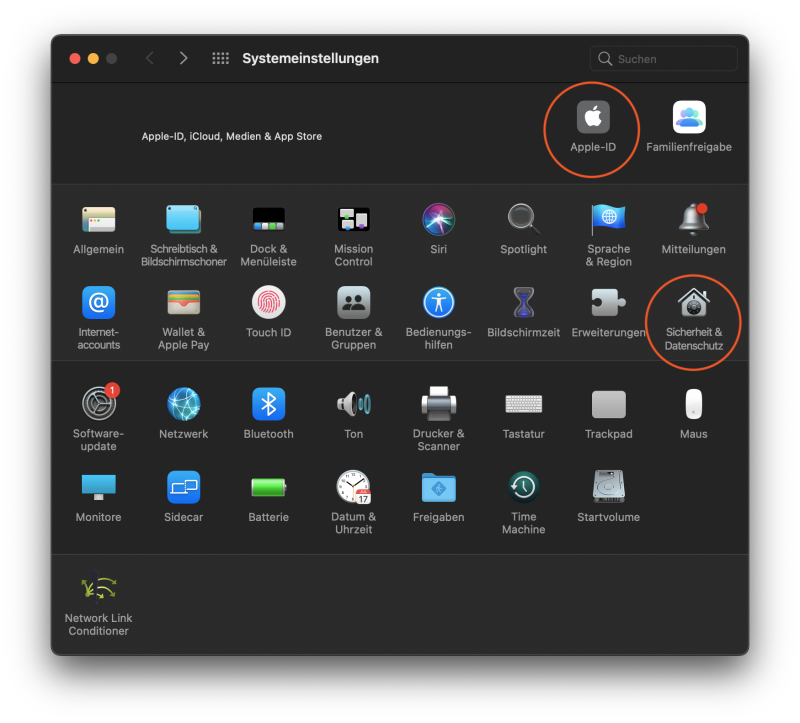
- If this is not the case, navigate to System Preferences -> iCloud and set the access permission for the Photos app
- In addition, the permission of the Apple Photos app must be released for the Bookfactory design software
- System settings -> Security -> Privacy -> Photos -> Checkbox for Bookfactory must be set