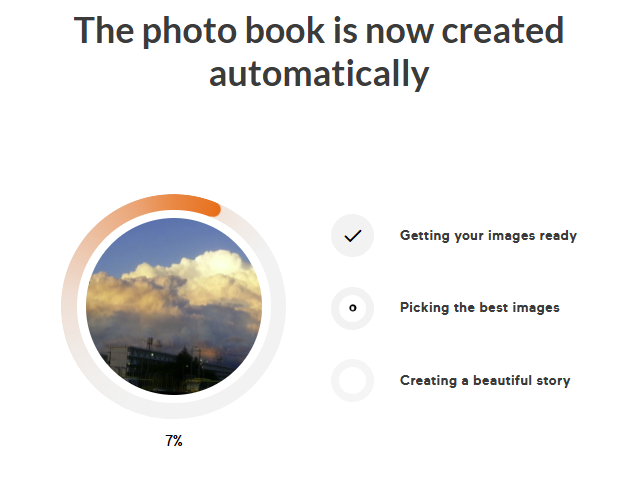
Smart Editor: How does it work?Updated 4 months ago
The Smart Editor uses algorithms to sort your uploaded photos, choose the best layout and automatically design your photo book.
Simply select ‘Smart Editor’, choose your images and let the algorithm do the work. You still have the option to make individual adjustments afterwards:
Step 1:
Select Smart Editor during the book creation process.
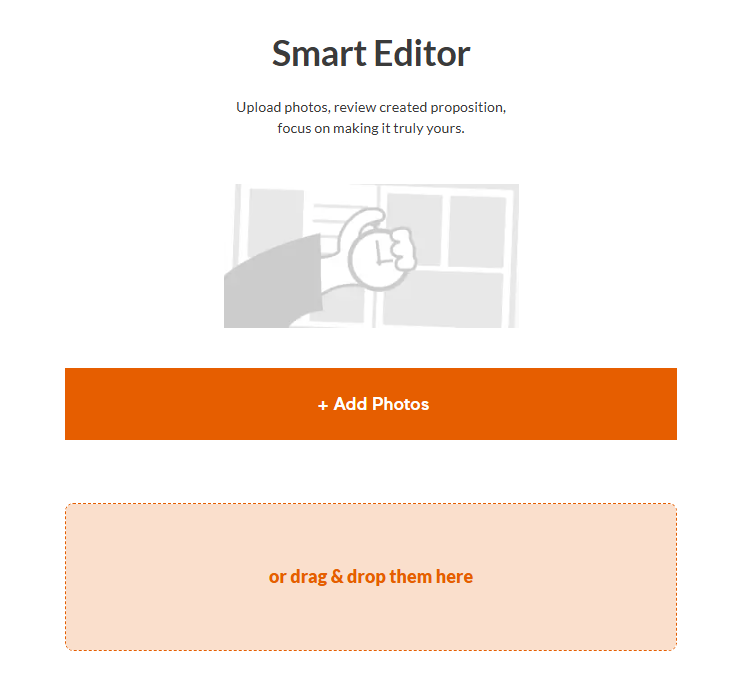
Step 2:
You can now click on ‘Create automatically’ to get started. The editor will then select the best images itself. Alternatively, you can select all images, or if you have changed your mind, skip the Smart Editor and go directly to the editor.
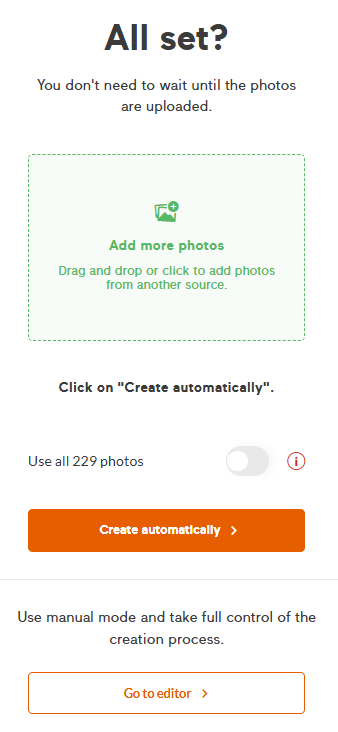
Step 3
Sit back and enjoy the process. After the creation process, you will be forwarded to your project, where you can check the Smart Editor's work and do some changes if neccessary.