Advanced feature: Moving imagesUpdated 2 months ago
TL;DR: In the gallery, you can manually move photos by pressing and holding them.
The order in the gallery corresponds to the order in the photo book. WhatsApp photos in particular are assigned incorrect metadata when downloaded, and this may cause them to be displayed in the wrong place.
How can I prevent this?
The easiest way is to invite your friends to the project as guests or participants. They can then upload their photos to the project themselves. If that’s not an option, you can
- Upload photos from an album
- Select WhatsApp (or a folder of your choice)
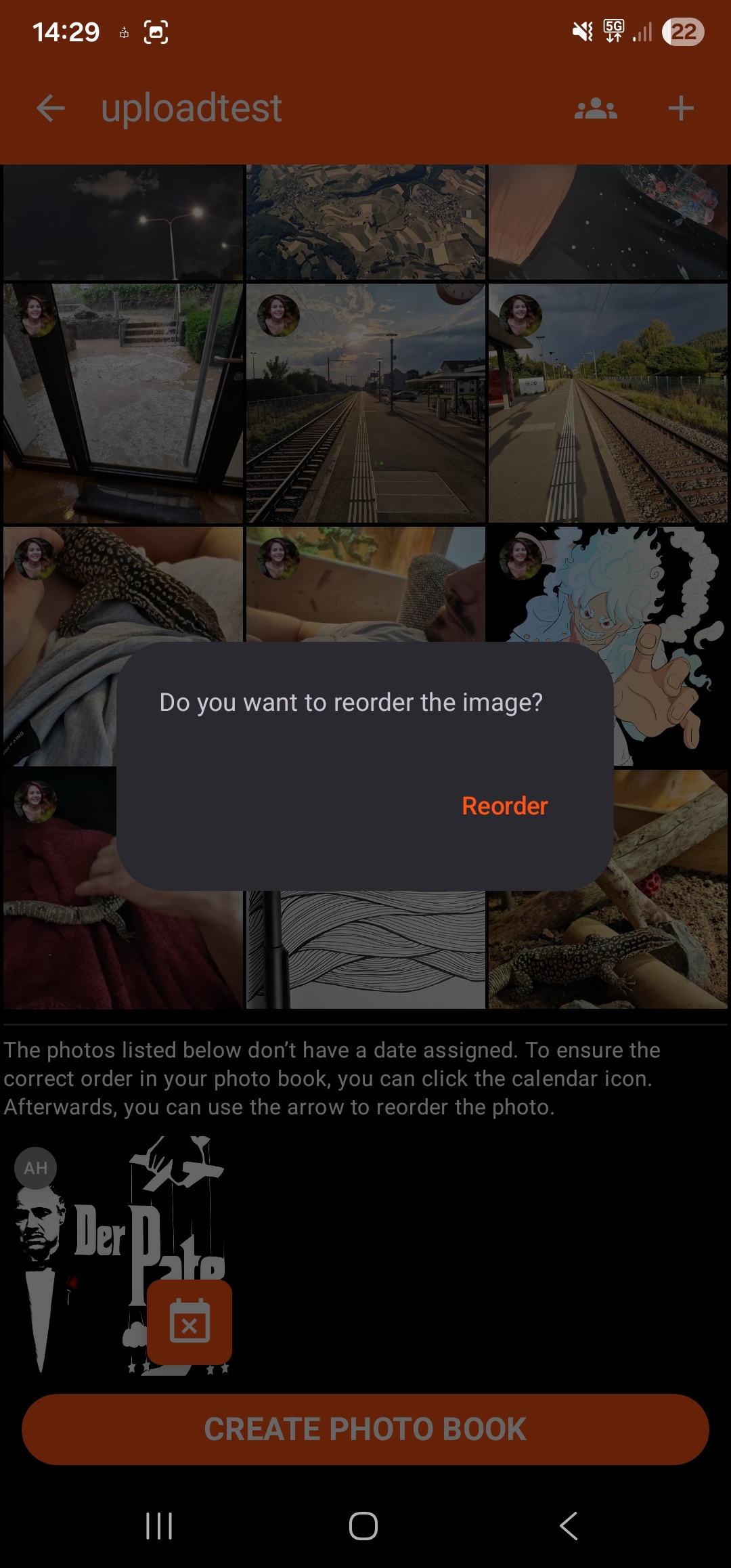
- In the gallery, reorder the image using the calendar icon
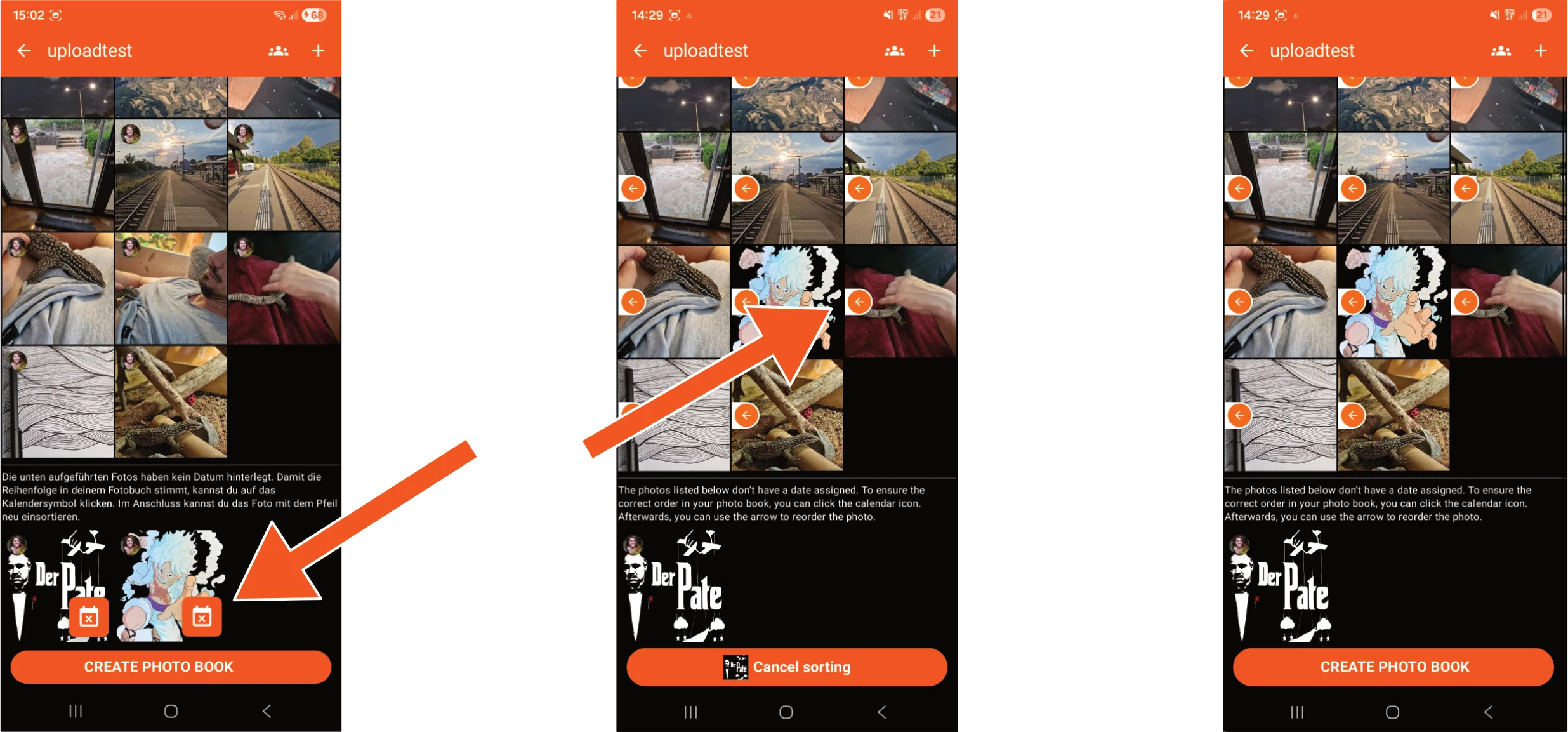
I want to reorder a photo without a calendar icon – how do I do that?
Press and hold the photo you want to reorder. A dialogue box will appear asking if you want to reorder the photo. You can then click on the desired position.