Detailed function: Remove photo from groupUpdated 2 months ago
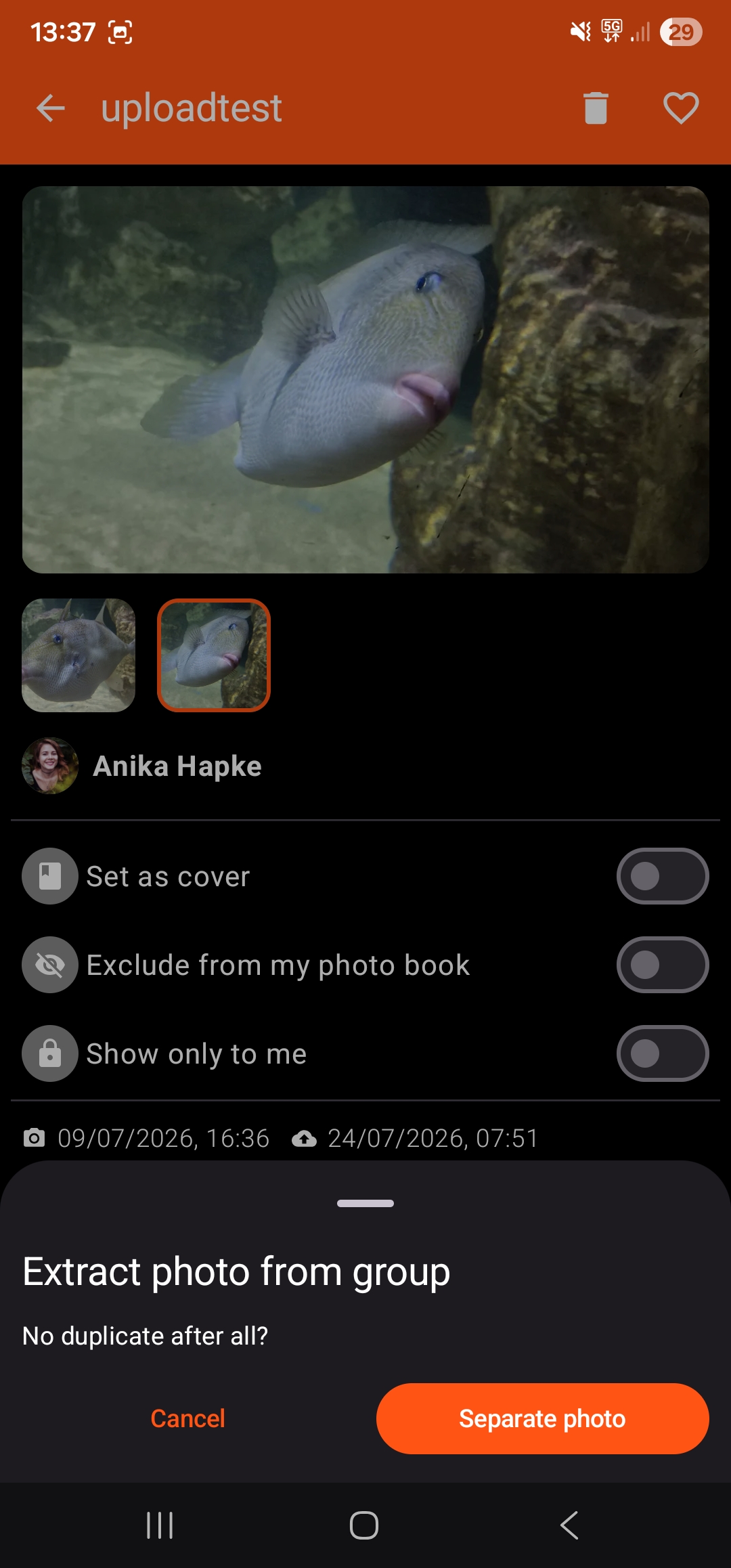
In the COLLAB app, very similar or identical photos are grouped together based on various factors. If you would still like the photos to appear individually in the gallery and photo book, you can remove them from the group at any time:
- Press and hold one of the inactive / unframed photos
- Confirm by tapping ‘Remove’