
Detailed function: Share projectUpdated 2 months ago
TL;DR: The invitation links remain active until you deactivate them. People with a web upload link cannot view the gallery or order books.
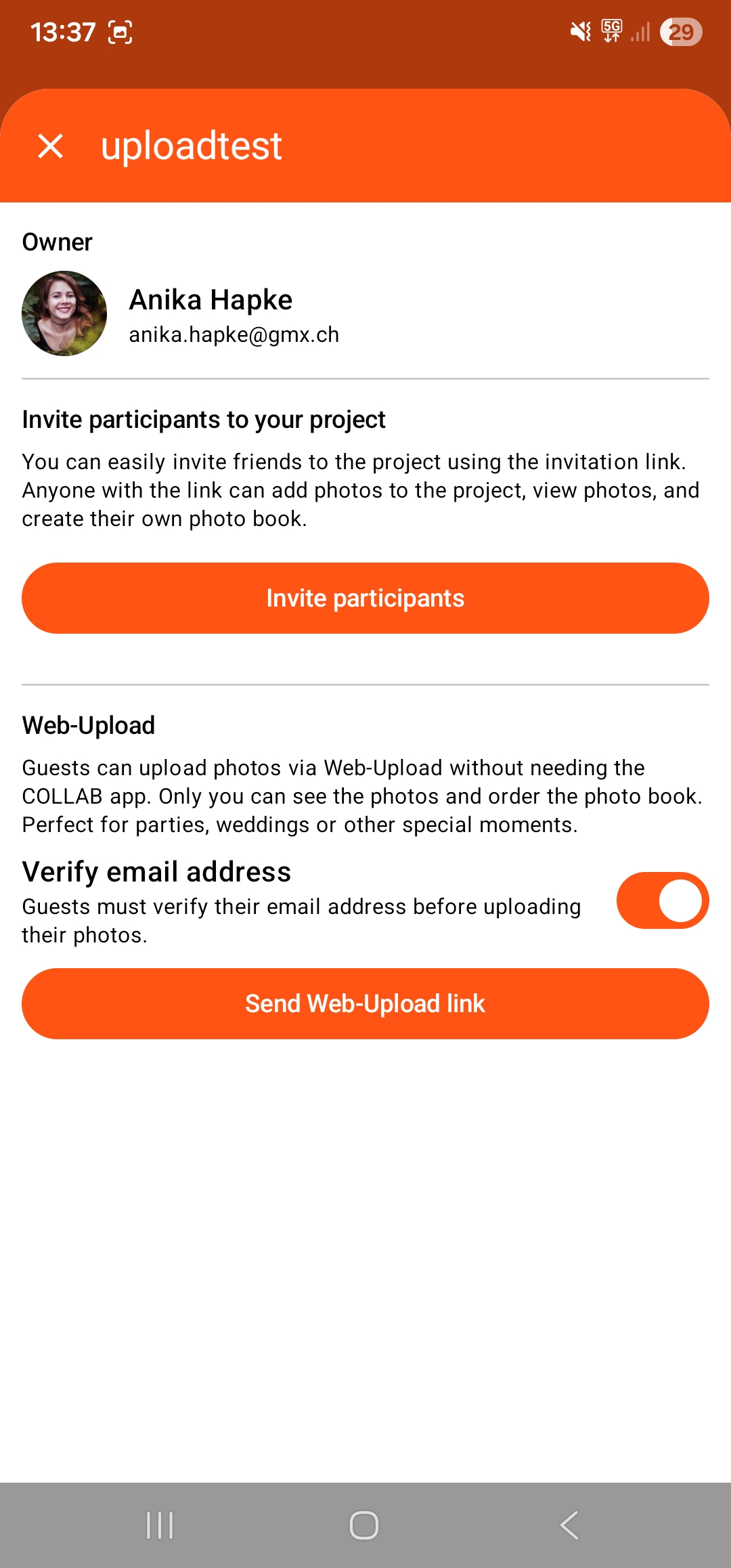
Once you have created your COLLAB project, you can invite further participants by clicking on the group icon within the project.
Clicking on the link (Android: buttons) activates the sharing links. These remain active until you deactivate them again. During this time, anyone with the link can join the project.
Participants:
- Can upload, view and favourite photos
- Can create their own photo books
- Need the COLLAB app
- Great for: shared holidays, family photos, team events
Guests / Web upload:
- Cannot view photos
- Cannot order their own books
- You can decide whether guests should verify their identity via email before uploading photos.
- Do not need the COLLAB app, as everything happens online
- Great for: people who want to upload photos taken with a camera, if there are many people participating, etc.