
Where do I change my password?Updated 5 months ago
You can change your password in your profile or by using the ‘Password forgotten’ function on the login page.
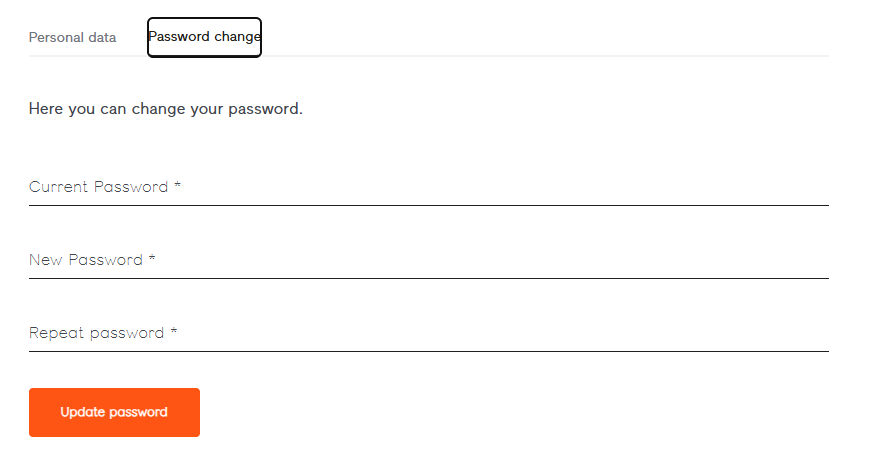
Changing your password via your Bookfactory user account
You can change your password in your account.
Under ‘My personal data’, you will find the ‘Password change’ tab
Changing your password using the ‘Forgotten password’ function
Have you forgotten your password and can’t access your profile?
No problem! In the login window, click on ‘Password forgotten?’ – then simply enter the email address you used to register and within a few minutes you’ll receive an automatically generated email allowing you to reset your password.
Please check your spam folder if you can’t find anything in your inbox.
